ON THIS PAGE (8 SECTIONS)
- ✓A single long HTTP upload has one failure point: if the connection drops partway through, the whole recording is gone.
- ✓Slicing media into small chunks and caching them in IndexedDB means a dropped connection loses seconds of progress, not the whole session.
- ✓Serialized uploads with exponential backoff recover from a bad network better than firing many parallel requests at it.
If you are building anything that records audio or video in the browser and ships it to a server, here is the failure mode you will eventually hit: a single long-running HTTP upload, on a real network, dies partway through, and the recording is gone. The fix is not a bigger timeout or a retry wrapper around the whole request. It is chunking the media on the client, caching those chunks somewhere durable, and uploading them independently, so a dropped connection costs you a few seconds of progress instead of the entire session.
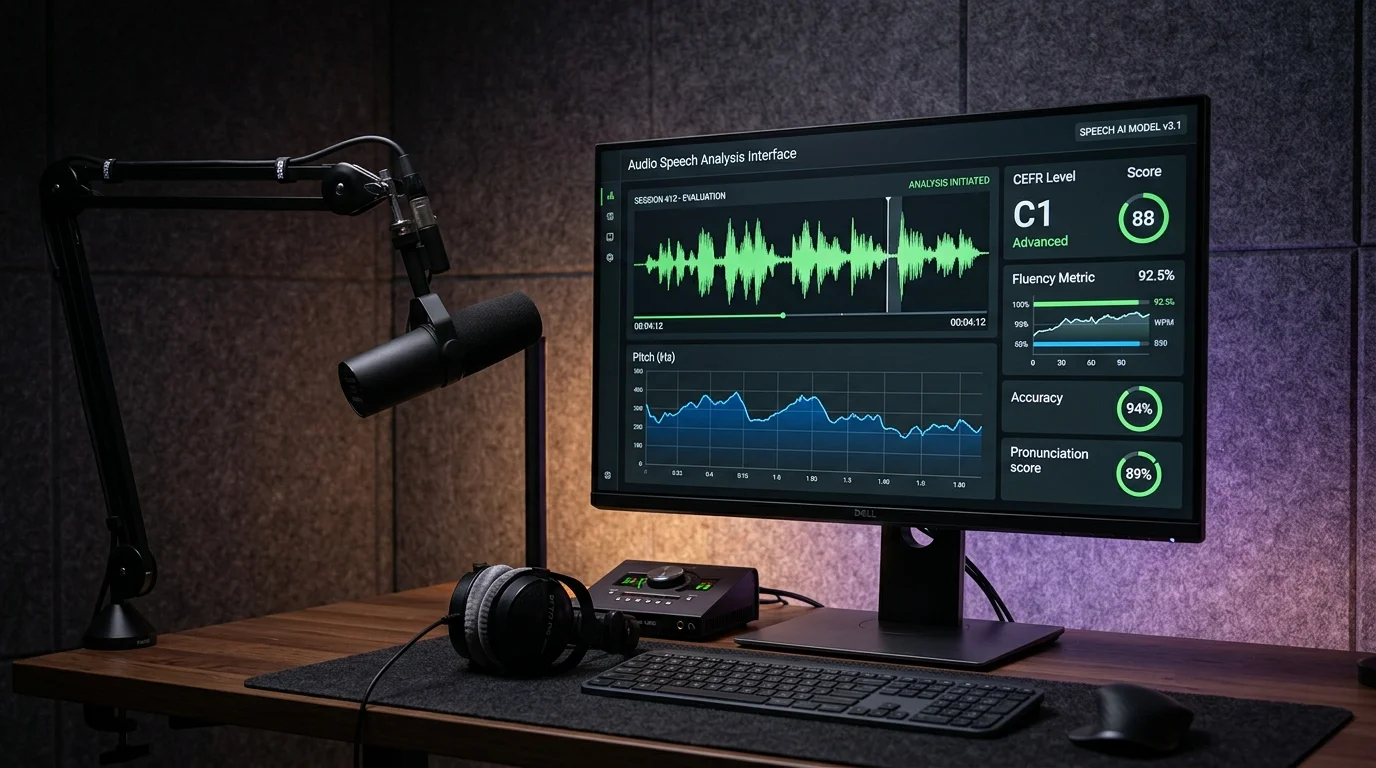
We ran into this building TalkBetter, a spoken English evaluation product used by students recording answers over shared campus Wi-Fi. A shared access point serving a lecture hall full of devices behaves very differently from the network you tested on at your desk: connections get renegotiated, NAT mappings expire, packets queue behind everyone else's traffic, and a browser tab in the background can get its network access throttled by the OS. A single-shot upload of a multi-megabyte recording is exactly the kind of long-lived request that dies in that environment, and when it does, the student has to re-record from scratch. That is a bad experience regardless of how good your evaluation model is.
The fix is architectural, not a retry loop: decouple capture from transmission. Recording should never be blocked on, or lost because of, the state of the network at that exact moment.
The shape of a chunked upload pipeline
The pattern generalizes to any media-heavy product, not just audio evaluation. It has four stages, and each one has a single job: capture the media and slice it into small pieces; cache those pieces locally so a page reload or a dead tab does not lose them; upload each piece independently with its own retry logic; and finalize the object on the server once every piece has arrived. Getting this right does not require exotic infrastructure — it requires being disciplined about keeping those four stages separate.
Capturing and slicing on the client
The browser's MediaRecorder API already gives you a stream of Blob data at whatever interval you request via the timeslice argument to `start()`. The trick is not to treat every `dataavailable` event as an upload unit — at a one-second timeslice on a typical opus-encoded audio stream, that is far too many small requests. Instead, we buffer the incoming blobs in memory and only hand a chunk off once it crosses a size threshold, in our case 256KB. That number is not a magic constant; it is a balance between chunk overhead (too small, and you spend more time on HTTP request setup than actual transfer) and recovery cost (too large, and a dropped connection loses more progress). For voice recordings, 256KB is roughly 15-20 seconds of compressed audio, which is a reasonable amount of re-recording risk to accept.
| 1 | class ChunkedRecorder { |
| 2 | constructor({ chunkSizeBytes = 256 * 1024, mimeType = 'audio/webm;codecs=opus' } = {}) { |
| 3 | this.chunkSizeBytes = chunkSizeBytes; |
| 4 | this.mimeType = mimeType; |
| 5 | this.buffer = []; |
| 6 | this.bufferedBytes = 0; |
| 7 | this.chunkIndex = 0; |
| 8 | } |
| 9 | |
| 10 | start(stream, onChunkReady) { |
| 11 | this.onChunkReady = onChunkReady; |
| 12 | this.recorder = new MediaRecorder(stream, { mimeType: this.mimeType }); |
| 13 | |
| 14 | this.recorder.ondataavailable = async (event) => { |
| 15 | if (event.data.size === 0) return; |
| 16 | this.buffer.push(event.data); |
| 17 | this.bufferedBytes += event.data.size; |
| 18 | |
| 19 | if (this.bufferedBytes >= this.chunkSizeBytes) { |
| 20 | await this.flush(); |
| 21 | } |
| 22 | }; |
| 23 | |
| 24 | // Fire dataavailable roughly every second so chunks flush incrementally |
| 25 | // instead of only at the very end of the recording. |
| 26 | this.recorder.start(1000); |
| 27 | } |
| 28 | |
| 29 | async flush() { |
| 30 | if (this.buffer.length === 0) return; |
| 31 | const blob = new Blob(this.buffer, { type: this.mimeType }); |
| 32 | this.buffer = []; |
| 33 | this.bufferedBytes = 0; |
| 34 | await this.onChunkReady(blob, this.chunkIndex++); |
| 35 | } |
| 36 | |
| 37 | async stop() { |
| 38 | return new Promise((resolve) => { |
| 39 | this.recorder.onstop = async () => { |
| 40 | await this.flush(); |
| 41 | resolve(); |
| 42 | }; |
| 43 | this.recorder.stop(); |
| 44 | }); |
| 45 | } |
| 46 | } |
Persisting chunks before they ever hit the network
Every chunk that comes out of the recorder gets written to IndexedDB before anything tries to upload it. This is the part people skip, and it is the part that actually buys you resilience. If the tab crashes, the phone locks, or the student accidentally navigates away, the recorded chunks are sitting in durable browser storage, tagged with a session ID and an upload status, and a background uploader can pick up exactly where it left off. Keeping them in a plain in-memory array would mean any of those events loses the whole recording, which defeats the point of chunking in the first place.
| 1 | const DB_NAME = 'upload-chunks'; |
| 2 | const STORE_NAME = 'chunks'; |
| 3 | |
| 4 | function openChunkStore() { |
| 5 | return new Promise((resolve, reject) => { |
| 6 | const request = indexedDB.open(DB_NAME, 1); |
| 7 | request.onupgradeneeded = () => { |
| 8 | request.result.createObjectStore(STORE_NAME, { keyPath: 'key' }); |
| 9 | }; |
| 10 | request.onsuccess = () => resolve(request.result); |
| 11 | request.onerror = () => reject(request.error); |
| 12 | }); |
| 13 | } |
| 14 | |
| 15 | async function saveChunk(sessionId, chunkIndex, blob) { |
| 16 | const db = await openChunkStore(); |
| 17 | const tx = db.transaction(STORE_NAME, 'readwrite'); |
| 18 | tx.objectStore(STORE_NAME).put({ |
| 19 | key: `${sessionId}:${chunkIndex}`, |
| 20 | sessionId, |
| 21 | chunkIndex, |
| 22 | blob, |
| 23 | status: 'pending', |
| 24 | createdAt: Date.now() |
| 25 | }); |
| 26 | return new Promise((resolve, reject) => { |
| 27 | tx.oncomplete = () => resolve(); |
| 28 | tx.onerror = () => reject(tx.error); |
| 29 | }); |
| 30 | } |
| 31 | |
| 32 | async function pendingChunks(sessionId) { |
| 33 | const db = await openChunkStore(); |
| 34 | const tx = db.transaction(STORE_NAME, 'readonly'); |
| 35 | const all = await new Promise((resolve, reject) => { |
| 36 | const req = tx.objectStore(STORE_NAME).getAll(); |
| 37 | req.onsuccess = () => resolve(req.result); |
| 38 | req.onerror = () => reject(req.error); |
| 39 | }); |
| 40 | return all.filter((c) => c.sessionId === sessionId && c.status === 'pending'); |
| 41 | } |
Uploading with retries that respect a bad network
A congested Wi-Fi access point does not get better if you throw more concurrent requests at it — it gets worse. Our uploader processes chunks one at a time, in order, rather than firing all pending chunks in parallel. Each chunk gets its own retry loop with exponential backoff and jitter, so a temporary drop causes a short pause and a retry rather than a cascade of failed requests competing for the same limited bandwidth. If a chunk fails after several attempts, it stays marked as pending in IndexedDB and the uploader tries again the next time it runs, including after a page reload.
| 1 | async function uploadChunkWithRetry(sessionId, chunkIndex, blob, { maxAttempts = 6 } = {}) { |
| 2 | let attempt = 0; |
| 3 | |
| 4 | while (attempt < maxAttempts) { |
| 5 | try { |
| 6 | const { url } = await fetchSignedUrl(sessionId, chunkIndex); |
| 7 | const response = await fetch(url, { |
| 8 | method: 'PUT', |
| 9 | body: blob, |
| 10 | headers: { 'Content-Type': 'application/octet-stream' } |
| 11 | }); |
| 12 | |
| 13 | if (!response.ok) { |
| 14 | throw new Error(`Upload failed with status ${response.status}`); |
| 15 | } |
| 16 | |
| 17 | await markChunkUploaded(sessionId, chunkIndex); |
| 18 | return true; |
| 19 | } catch (err) { |
| 20 | attempt++; |
| 21 | if (attempt >= maxAttempts) { |
| 22 | console.error(`Chunk ${chunkIndex} failed after ${maxAttempts} attempts`, err); |
| 23 | return false; |
| 24 | } |
| 25 | const delayMs = Math.min(1000 * 2 ** attempt, 30000) + Math.random() * 500; |
| 26 | await new Promise((r) => setTimeout(r, delayMs)); |
| 27 | } |
| 28 | } |
| 29 | } |
The server side: signed URLs and finalizing the object
The app server never touches the raw bytes of the recording. Its job is to issue short-lived signed URLs for each chunk, scoped to a specific multipart upload part, and to finalize the object once the client reports every part as uploaded. This keeps the app server's request handlers fast and stateless, and puts the actual bandwidth load on object storage, which is built for exactly this.
| 1 | import { S3Client, UploadPartCommand, CompleteMultipartUploadCommand } from '@aws-sdk/client-s3'; |
| 2 | import { getSignedUrl } from '@aws-sdk/s3-request-presigner'; |
| 3 | |
| 4 | const s3 = new S3Client({ region: process.env.AWS_REGION }); |
| 5 | |
| 6 | app.post('/uploads/:sessionId/chunks/:chunkIndex/signed-url', async (req, res) => { |
| 7 | const { sessionId, chunkIndex } = req.params; |
| 8 | const upload = await getOrCreateMultipartUpload(sessionId); |
| 9 | |
| 10 | const command = new UploadPartCommand({ |
| 11 | Bucket: process.env.UPLOAD_BUCKET, |
| 12 | Key: upload.key, |
| 13 | UploadId: upload.uploadId, |
| 14 | PartNumber: Number(chunkIndex) + 1 |
| 15 | }); |
| 16 | |
| 17 | const url = await getSignedUrl(s3, command, { expiresIn: 300 }); |
| 18 | res.json({ url, partNumber: Number(chunkIndex) + 1 }); |
| 19 | }); |
| 20 | |
| 21 | app.post('/uploads/:sessionId/finalize', async (req, res) => { |
| 22 | const { sessionId } = req.params; |
| 23 | const upload = await getMultipartUpload(sessionId); |
| 24 | const parts = await getUploadedParts(sessionId); // [{ PartNumber, ETag }, ...] |
| 25 | |
| 26 | await s3.send(new CompleteMultipartUploadCommand({ |
| 27 | Bucket: process.env.UPLOAD_BUCKET, |
| 28 | Key: upload.key, |
| 29 | UploadId: upload.uploadId, |
| 30 | MultipartUpload: { Parts: parts } |
| 31 | })); |
| 32 | |
| 33 | res.json({ status: 'complete', key: upload.key }); |
| 34 | }); |
Handling a connection that dies mid-chunk, not just between chunks
It is worth being specific about what this design does and does not protect against. A dropped connection between two chunk uploads is the easy case — the failed chunk just retries. The harder case is a connection that dies in the middle of a single PUT request. Browsers do not give you a reliable partial-upload signal for a fetch body, so we treat any non-200 response, thrown error, or timeout as a full failure of that chunk and retry the whole 256KB part rather than trying to resume mid-part. That is why keeping the chunk size small matters: the worst case cost of a mid-chunk failure is bounded by how much you would have to re-send, and at 256KB that cost is small enough not to matter to the user even on a slow connection.
What survives a page reload, and what does not
Because chunks and their upload status live in IndexedDB rather than memory, a page reload does not lose already-flushed chunks — the uploader can resume from `pendingChunks()` on startup and finish sending whatever did not make it out before the reload. What it does not protect against is losing whatever audio was still buffered in memory and had not yet crossed the 256KB flush threshold at the moment of the reload; that portion, at most a few seconds, is genuinely gone. We accepted that tradeoff deliberately — protecting against every possible loss would mean flushing on every `dataavailable` event, which reintroduces the small-chunk overhead problem we chunked in the first place to avoid. Being explicit about where the tradeoff sits, rather than pretending the system is fully lossless, is part of being honest about what this pattern actually buys you.
This is a general-purpose pattern, not something specific to audio. The same four stages — capture, cache, upload, finalize — apply to video capture, large file uploads from a mobile browser, or any client that produces data faster than it can reliably guarantee a network path to send it. If your product records or captures anything meaningful from a user, especially outside a controlled office network, we would treat a single-shot upload as a bug waiting to happen rather than an acceptable simplification.
Product Engineering is where this kind of work lives for us — the unglamorous infrastructure decisions that decide whether a product actually holds up once real users are on real networks, not just on the Wi-Fi in the office where it was built. If you are building something media-heavy and want a second set of eyes on the upload path before it ships to real users, get in touch.
References & Prior Art
MediaStream Recording API Specification (W3C Working Draft)
W3C Media Capture Working Group • World Wide Web Consortium (W3C) (2024)
Common European Framework of Reference for Languages: Learning, Teaching, Assessment (CEFR)
Council of Europe Language Policy Division • Council of Europe (2020)
Naveen
Infrastructure EngineerNaveen handles infrastructure at Vasiva — deployment, storage, and networking edge cases across high-latency and unstable connections.


